A waitlist that fills itself
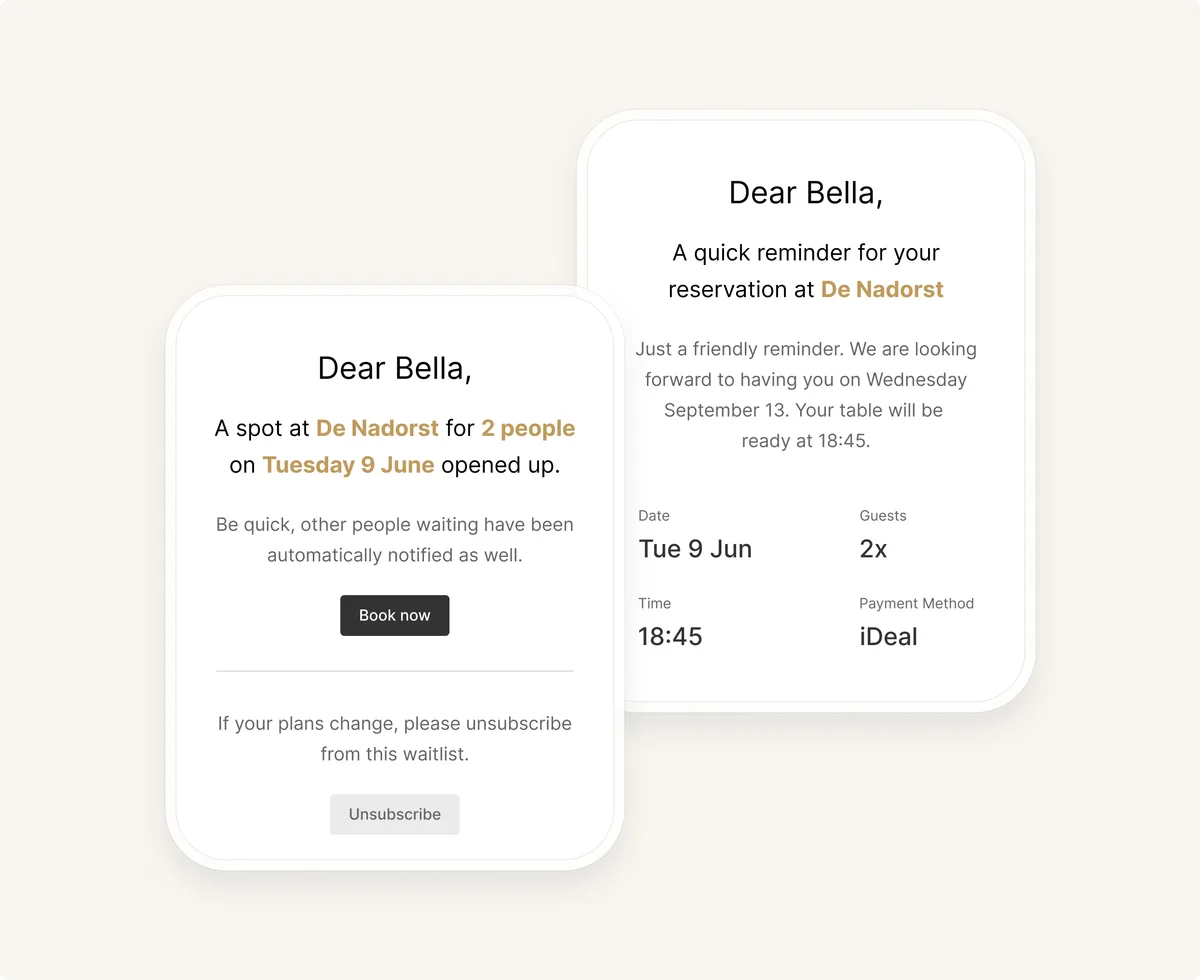
Guests can add themselves to the waitlist in the reservation widget when a shift is fully booked. They get a message as soon as a spot opens up.

With the waitlist, guests get a message automatically or manually as soon as a spot opens up. You decide per shift what works best.
Guests can add themselves to the waitlist in the reservation widget when a shift is fully booked. They get a message as soon as a spot opens up.
You choose where the waitlist is on and how many guests can join.
Turn the waitlist on only for the availabilities where you want to use it.
Choose how many guests may join the waitlist per time slot.
A guest who joins in the widget gets a confirmation email straight away.
If plans change, the guest can remove themselves from the waitlist.
Let guests know automatically when a spot opens up, so they can book right away. Prefer to stay in control yourself? You can also seat waitlist reservations manually.
Filter your waitlist by party size or time slot and see at a glance who’s the perfect match for that gap in your schedule.
Whether someone is on the waitlist for today or another day in the future: use the search bar to quickly check whether a guest has signed up for one or more waitlists.
Reservations
Waitlist
Problems cost you money. We handle yours with people who know your market and speak your language.
Get in touch at any time
Chat day or night – in your own language
Real experts
Help straight from our developers
Customer service
Chat with usStart right away, or switch from another system. We move all your data over for you.